Your permit, already applied.
Permit conditions from road controlling authorities are applied to the route, so drivers aren’t reading tables and maps before each job.
For mobile crane operators
Enter your crane and its overweight permit once. Every route avoids low bridges, weight-limited bridges and roads your permit doesn’t cover.
Permit conditions from road controlling authorities are applied to the route, so drivers aren’t reading tables and maps before each job.
Every turn is checked against your crane’s current height and against bridges and structures your permit says not to cross.
Enter the site address and send the route to the driver’s phone, with turn-by-turn directions and speed warnings.
Enter the crane’s dimensions, mass and axle configuration, and submit its overweight permit.
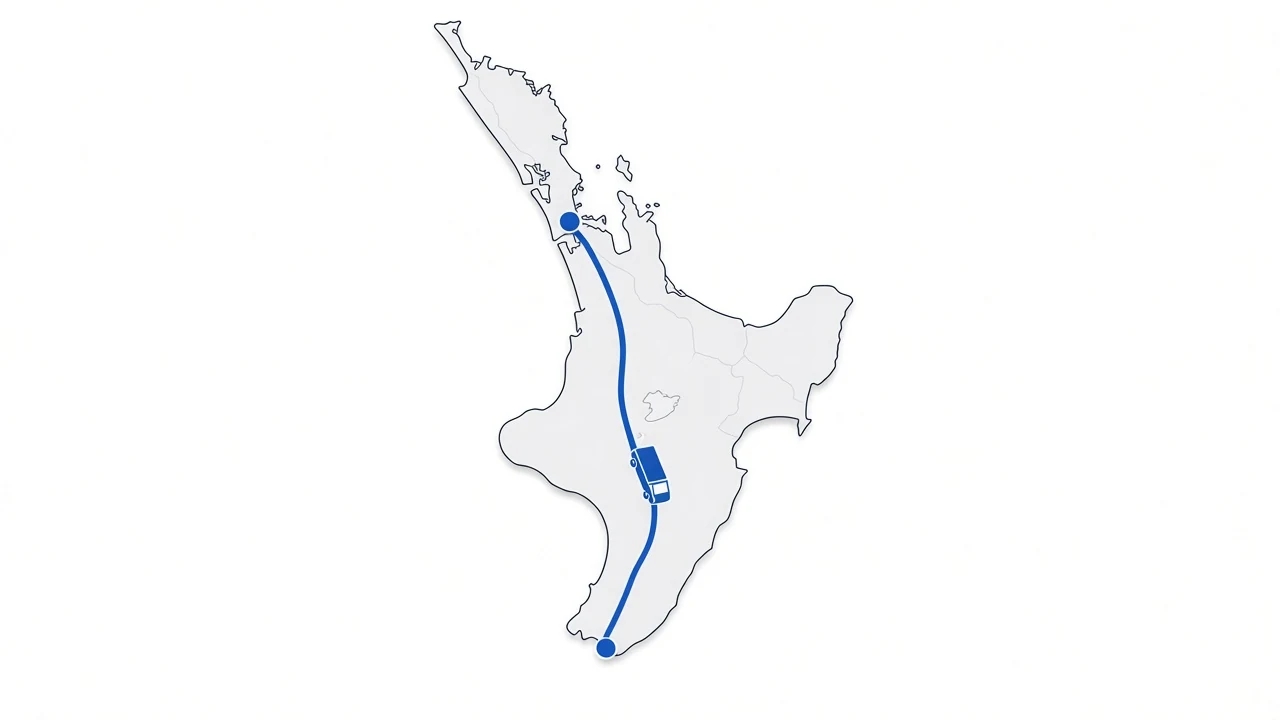
hvNavigator plans a route that stays within your permit and avoids low and restricted bridges.
They get turn-by-turn directions on any phone, with speed warnings along the way.
hvNavigator was first built for mobile cranes on overweight permits. The founder’s two sons work in the mobile crane sector. Read the story.
“hvNavigator is a highly professional and user-friendly app. Simply entering an address provides a clear and efficient route, making planning straightforward and reliable. The navigation system is excellent, offering real-time guidance such as speed adjustments and correct positioning over bridges, which is especially valuable for crane operations."
Start free. Upgrade when your fleet is ready.
$0
For trying hvNavigator on one truck. A single truck and driver, not connected to a fleet account. No credit card needed.
$20 per truck / month
Excludes GST.
Permit-aware routing for your whole fleet. 30-day free trial. If payment hasn’t started when the trial ends, access is disabled and your data is removed.
Prices are in New Zealand dollars.